
Five Ways to Optimize Your Life Planner with Customizable Life Planner Templates
If you’re like me, staying organized can sometimes feel like a juggling act. But guess what? A well-optimized life planner can be your secret weapon to managing your days with ease and style. Today, I’m excited to share five practical ways to optimize your life planner using customizable life planner templates. These tips will help you make the most of your planner, whether you’re managing personal goals or running a small business.
Let’s dive in and transform your planning routine into something truly effective and enjoyable!
Make the Most of Customizable Life Planner Templates
Customizable life planner templates are a game-changer. They give you the flexibility to tailor your planner exactly how you want it. Instead of forcing your life into a rigid format, you can adapt your planner to fit your unique needs.
Here’s how to get started:
Choose a template that suits your lifestyle: Look for templates that offer sections for daily tasks, goals, appointments, and notes.
Personalize the layout: Adjust colors, fonts, and sections to make your planner visually appealing and easy to navigate.
Add or remove pages: If you don’t need a habit tracker, remove it. If you want a budget planner, add it!
Using customizable templates means your planner grows with you. It’s not just a tool; it’s your personal assistant.

Prioritize Your Tasks with Clear Categories
One of the biggest challenges in planning is knowing what to focus on first. To optimize your life planner, create clear categories for your tasks. This helps you prioritize and prevents overwhelm.
Try these categories:
Urgent and Important - Tasks that need immediate attention.
Important but Not Urgent - Tasks that contribute to long-term goals.
Urgent but Not Important - Tasks that can be delegated or done quickly.
Neither Urgent nor Important - Tasks to minimize or eliminate.
Use color coding or symbols to mark these categories in your planner. This visual cue makes it easier to scan your day and decide what to tackle first.
For example, I use red for urgent tasks and green for important but not urgent. It’s a simple trick that keeps me focused and productive.
Set Realistic Goals and Break Them Down
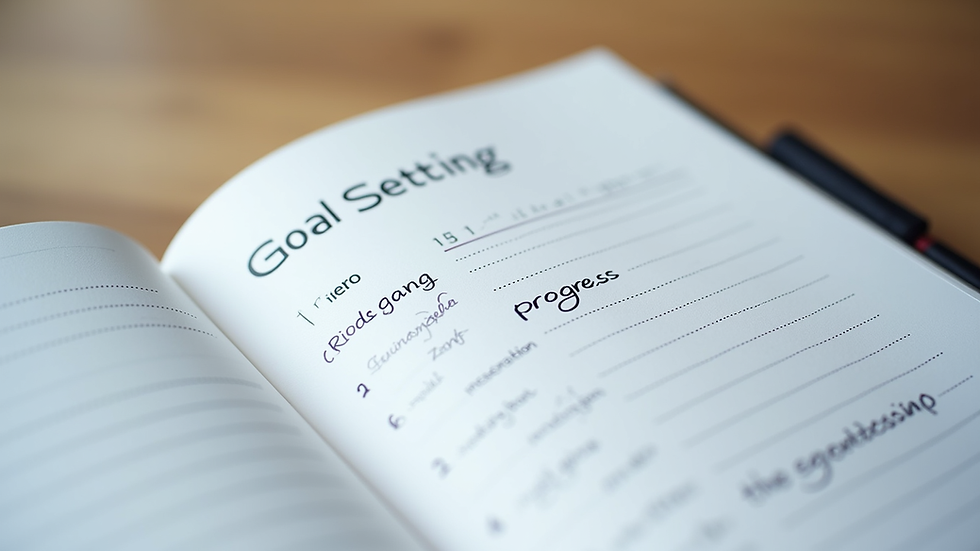
Big goals can be intimidating. That’s why breaking them down into smaller, manageable steps is essential. Your life planner should have a dedicated space for goal setting and progress tracking.
Here’s a step-by-step approach:
Write down your main goal: Be specific and clear.
Break it into smaller tasks: List the steps needed to achieve the goal.
Assign deadlines: Give each task a realistic due date.
Track your progress: Use checkboxes or progress bars to stay motivated.
For example, if your goal is to launch a website, your smaller tasks might include choosing a domain, designing the homepage, and writing content. Seeing these steps in your planner makes the goal less daunting and more achievable.
Use Time Blocking to Manage Your Day
Time blocking is a powerful technique to optimize your planner. It involves dividing your day into blocks of time dedicated to specific activities. This method helps you focus and reduces distractions.
Here’s how to apply time blocking:
Identify your key activities: Work, meetings, exercise, breaks, and personal time.
Allocate specific time slots: For example, 9 AM to 11 AM for focused work.
Stick to the schedule: Treat each block as a non-negotiable appointment.
Review and adjust: At the end of the day, see what worked and tweak your blocks.
Using a life planner excel template can make time blocking easier. You can create a daily schedule grid and fill in your blocks digitally, making adjustments as needed.
Reflect and Adjust Weekly
Optimization is an ongoing process. To keep your life planner working for you, set aside time each week to reflect and adjust.
Here’s a simple routine:
Review your completed tasks: Celebrate what you accomplished!
Identify what didn’t get done: Understand why and decide if it’s still important.
Plan for the upcoming week: Adjust your goals and schedule based on your reflections.
Add new priorities: Life changes, and so should your planner.
This weekly check-in keeps your planner aligned with your real-life needs and helps you stay on track without feeling overwhelmed.
Optimizing your life planner is all about making it work for you. With customizable life planner templates, clear task categories, realistic goals, time blocking, and regular reflection, you’ll find yourself more organized and motivated than ever. If you want to try a flexible and easy-to-use option, check out this life planner excel template to get started today!
Happy planning! Your future self will thank you.


Comments